Baby first year photo book
Your Baby’s First Year — beautifully preserved in a photo book
From the first days to the first birthday, preserve every precious moment of your baby’s first year in a professionally designed photo book.
Or make your book in the app
One child, three books
Three books — three stages
Start with your baby's first weeks, carry on with the first year, then make a book for any year that follows. Every chapter tells how old your child was.


2–5 days old
The first weeks
From the first day home to the end of the first month. Each chapter says how many days old your baby was.


8 months
The first year
Month by month, from the first weeks to the first birthday.


4 years 5 months
Any year of childhood
One book for each year as your child grows, its chapters by age in years and months.
Swipe to see more
How it works
How to Create Your Baby First Year Photo Book
Turn your baby’s first year into a beautifully organized photo book in just a few simple steps.
Upload Your Baby Photos
Upload photos from your phone, computer, or camera. Your photos are automatically organized by date.
Your Baby’s Story Is Created Automatically
Our intelligent system arranges your photos chronologically to capture your baby’s growth from newborn to first birthday.
Personalize and Order
Customize layouts, add captions, and edit photos before ordering your printed baby photo book.
Look inside
Every page laid out for you
Your baby’s first year month by month, up to six photos on a page. Change anything you like — or nothing at all.

- Month by montheach chapter says how old your baby was
- Up to 6 photos a pagea layout for each set of photos
- Ready to print as issewn, 200 g/m² pages
Inside the book
Every spread is different
One photo across a page, a pair, a grid of six — each spread laid out for its photos, from the first weeks to the first birthday.


Swipe to see more
Reviews
What customers say about their books
From customers who ordered a book from us. How we collect reviews
Preserve Every Moment of Your Baby’s First Year
From newborn days to first steps and first birthday
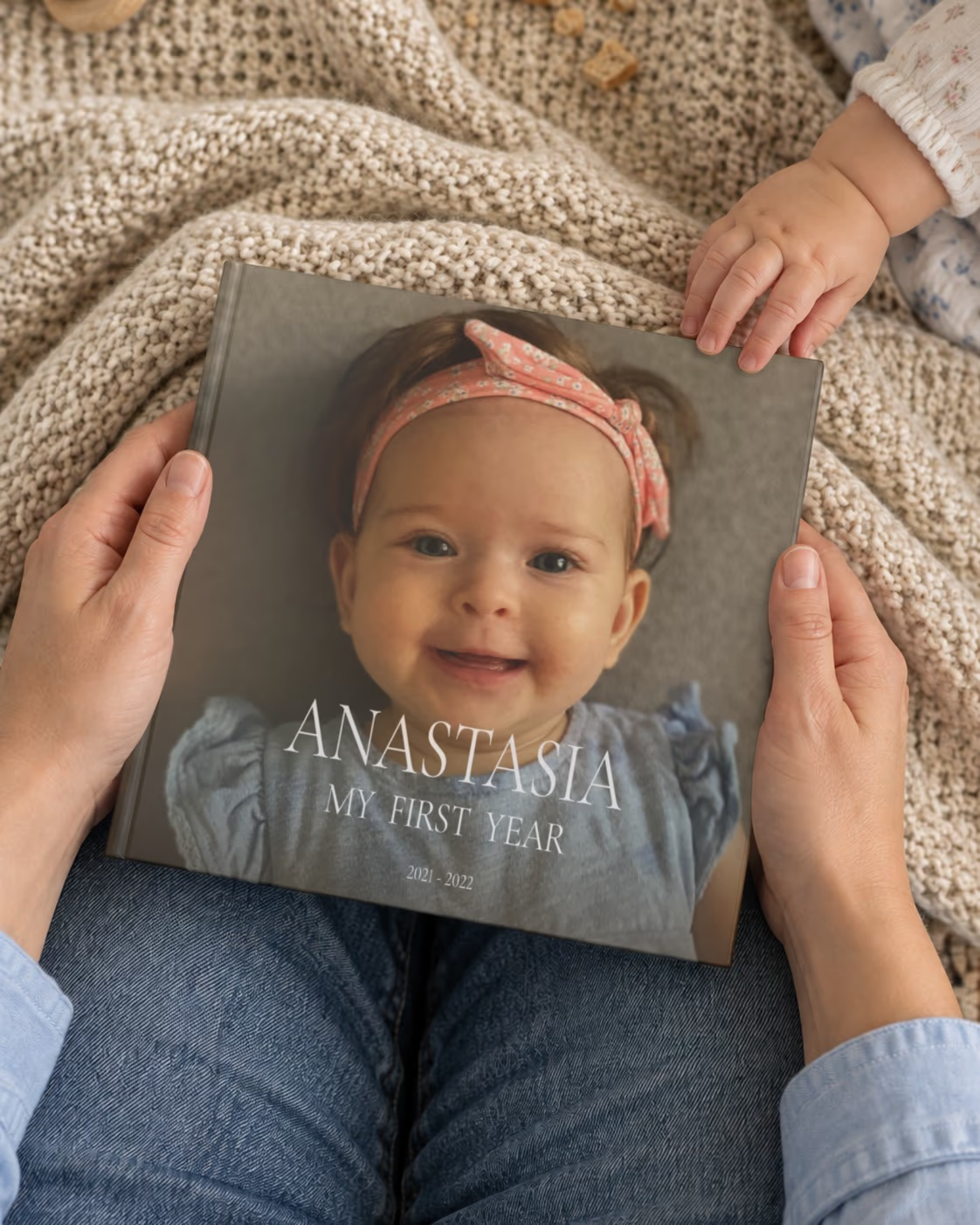
Your baby’s first year is filled with unforgettable moments — the first smile, the first steps, and the first birthday. These moments pass quickly, but a photo book helps you preserve them forever.
A baby first year photo book tells the complete story of your baby’s beginning. It captures growth, personality, and the everyday moments that matter most.
Over time, this photo book becomes one of your most meaningful family treasures.
The Easiest Way to Create a Baby Photo Book
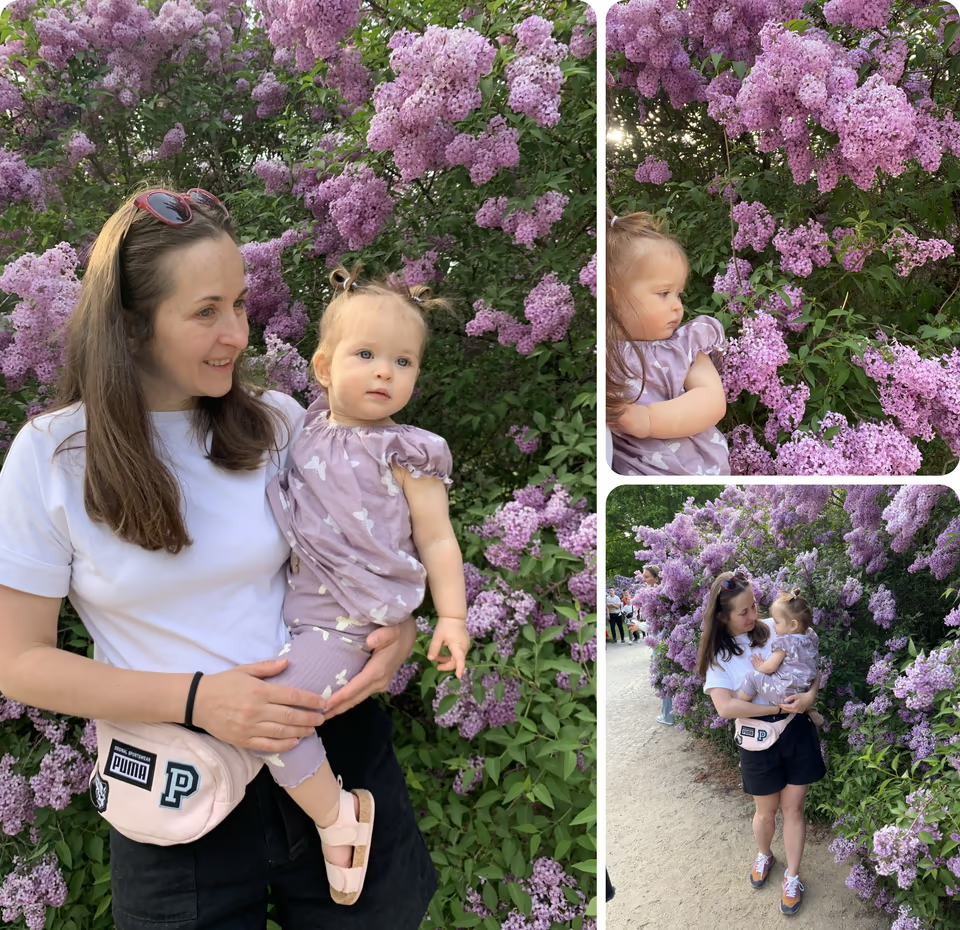
Simply upload your photos, and Memories.design automatically creates a professionally designed photo book.
Your photos are organized chronologically to reflect your baby’s natural growth and development. Every important moment finds its place.
You can fully customize your photo book before printing to make it truly personal.
Why Create Your Baby First Year Photo Book with Memories.design
Automatic Photo Book Creation
Upload your photos and instantly create a professionally designed baby photo book.
Chronological Baby Story
Your photos are organized to naturally tell the story of your baby’s first year.
Easy to Personalize
Customize layouts, edit photos, and add captions anytime.
Premium Print Quality
Professional materials ensure your photo book lasts for generations.
Meaningful Family Keepsake
Preserve your baby’s earliest memories in a timeless printed book.
Secure and Private
Your photos are securely processed and protected.
The book
Premium Baby Photo Book Designed to Last for Generations
Your baby’s first year deserves the highest quality. Our photo books are printed using professional materials designed for lifelong preservation.

- 21 × 21 cm
- 8.3 × 8.3 in hardcover
- 23–295
- pages, a spine 8 to 30 mm thick
- 200 g/m²
- glossy photo pages
- Sewn
- the pages sewn into the binding
Professional Hardcover Format
- Book size: 21 × 21 cm
- Durable hardcover with matte laminate finish
- Strong binding for long-term preservation
High-Quality Photo Printing
- Printed on premium 200 gsm gloss paper
- Sharp details and vibrant colors
- Archival-quality printing
Flexible Capacity
- From 21 to 295 pages
- Supports up to 1,770 photos
- Perfect for documenting the full first year
Fully Editable Layouts
- Automatically generated layouts
- Over 170 layout variations
- Fully customizable before printing
More books
Continue Your Family Story
From newborn days to growing milestones and family life, create photo books that document every important stage.

Newborn Photo Book
Preserve your baby’s very first days in a beautifully printed photo book. Capture the earliest moments, emotions, and memories that mark the beginning of a new life.
Learn more
Baby Milestone Photo Book
Capture your baby’s most important milestones in a beautifully printed photo book. From first smiles to first steps, preserve every special moment in a timeless keepsake.
Learn more
Family Year Photo Book
Preserve a full year of your family’s life in one beautifully designed photo book. From everyday moments to special milestones, tell your family’s story year by year.
Learn more
Birthday Year Photo Book
Celebrate your personal year from birthday to birthday with a beautifully designed photo book. Capture your growth, experiences, and meaningful moments in a timeless printed keepsake.
Learn more
Swipe to see more
FAQ
Still have a question? Contact Us
Can I create a photo book just by uploading photos?
Yes. You don't need Facebook: press Create photo book on any of our pages, choose Upload photos and add photos from your phone, computer or camera. You need at least 23 photos; the book can hold up to about 1,770. The book is designed automatically and is ready to print right away.
How many photos can I put in a photo book?
From 23 to about 1,770 photos. The number of pages (from 23 to 295) depends on how many photos you have: each page holds one photo or a collage of up to six.
How do I rearrange photos in a book?
By default, photos are placed in chronological order, by the date the photo was taken (or uploaded, if the file has no date). To change the order, drag a photo onto another one in the preview — on the same or a different page — and they swap places. You can also click Edit photos to hide, return, reorder or add photos, then Apply changes to rebuild the book.
How do I remove or hide photos from my book?
You have three ways to remove or hide a photo from the book:
- In the preview, below each page, there is an Edit Page button. Click it to open a layout window. From there, select a photo, choose Hide photo and click Apply. This will update the page layout and hide the photo.
- Or simply hover over a photo on a page in Preview and it will highlight all the options available to modify the page, including hiding the photo.
- Alternatively, click the Edit button next to the Order button at the bottom of the preview to open the editor. Here, you can select the photos you want to manage: hide, return, rearrange, and upload more photos. Once you have made your changes, click Apply to rebuild the album. You can find all removed photos on the Edit Page and return them to your book.
What size is the photo book and what paper is used?
- Size: 21 × 21 cm (8.3 × 8.3 in), square
- Hardcover with matte laminate, 2.5 mm thick
- Pages: 200 gsm glossy paper
- From 23 to 295 pages, up to about 1,770 photos
- The title and year are printed on the spine